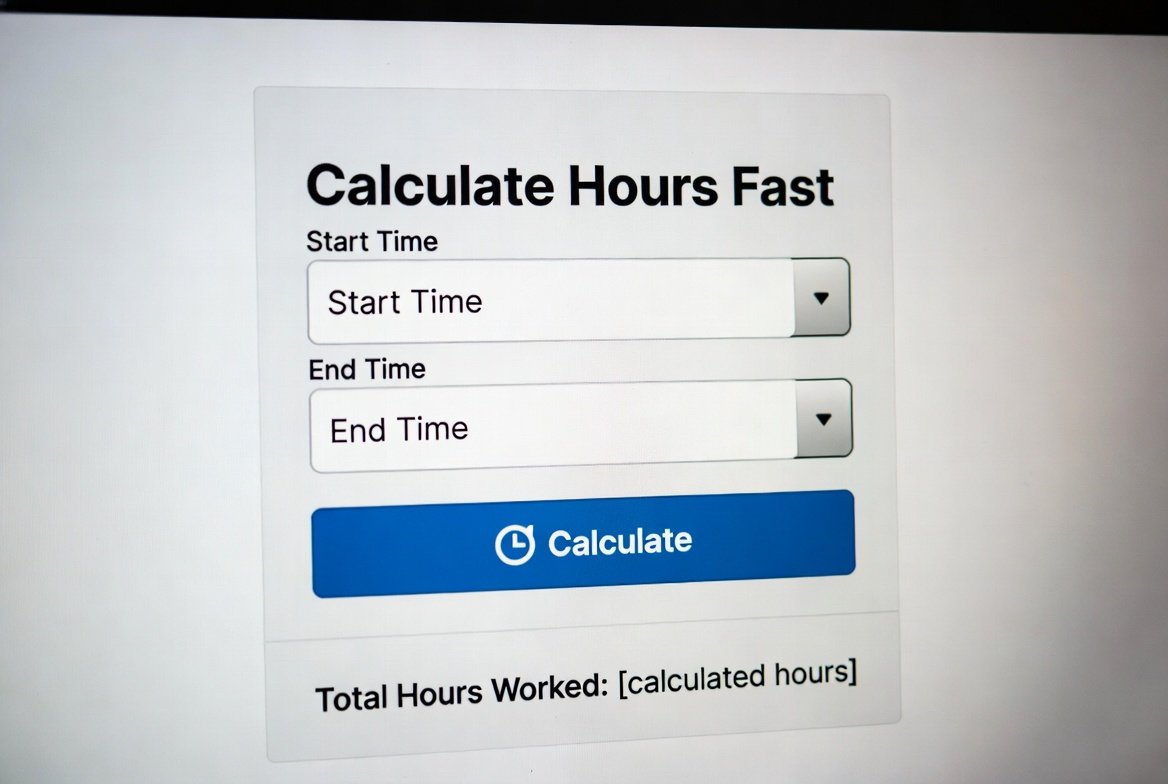
Knowing how many hours you worked, studied, or spent on a project is basic, but it matters. Accurate hour totals drive payroll, invoice amounts, shift planning, productivity tracking, and even event timing. Manually adding clock times invites mistakes (AM/PM mix-ups, overnight shifts, unpaid breaks), which creates payroll disputes, late invoices, and poor planning.
An online hours calculator eliminates that friction: simply enter your start and end times (and breaks), and the tool instantly calculates the total hours and minutes, or converts them to decimal hours for payroll and billing purposes.
Whether you need to calculate hours for a timesheet, bill a client, or figure out how long a study session lasted, a reliable hour calculator saves time and removes guesswork.
What Is an Hours Calculator?
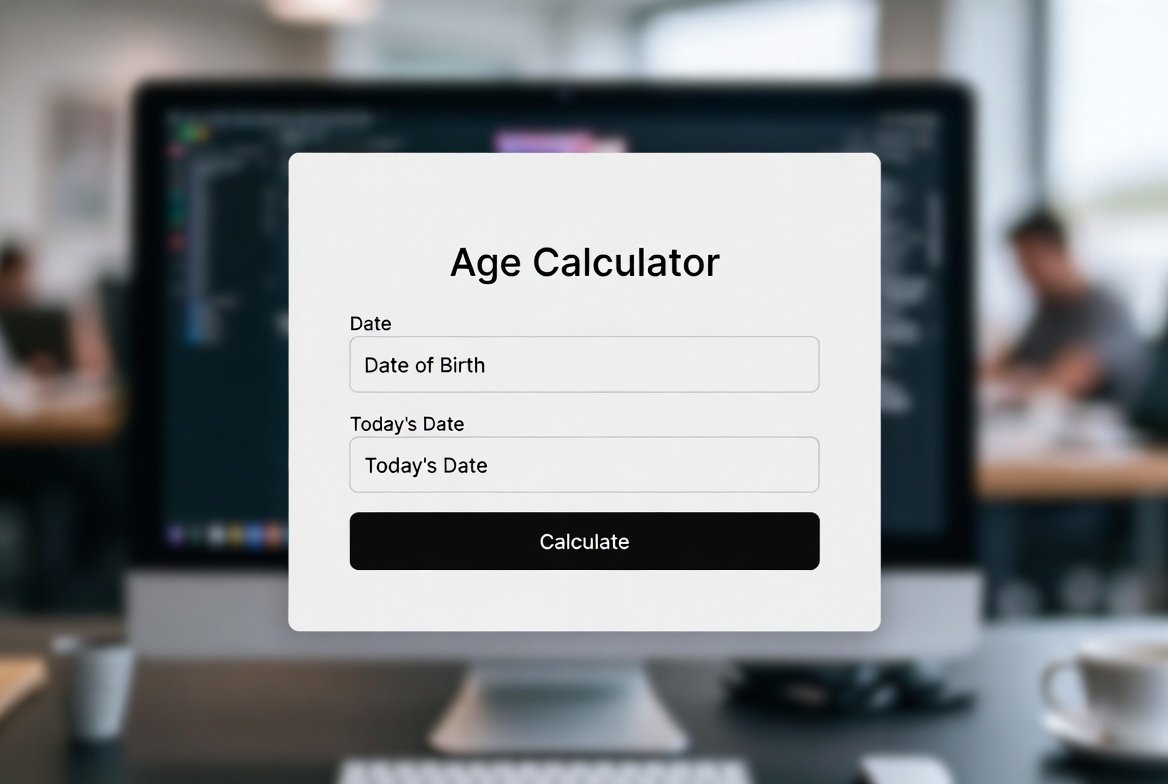
An hours calculator (or hour calculator) is a small tool that computes the duration between two or more clock times and returns the result as hours and minutes, or as decimal hours (useful for payroll and invoicing). At its simplest, it answers: How many hours passed between a start time and an end time?
Common capabilities:
- Compute single-span durations (start → end).
- Sum multiple time intervals (split shifts, break-adjusted totals).
- Handle same-day and multi-day spans (overnight shifts, travel).
- Optionally round times to the nearest 5/10/15 minutes and export results.
Who uses it?
- Employees & payroll admins for accurate pay calculations.
- Freelancers & contractors to convert time into billable hours.
- Managers & schedulers to plan shifts and control labor costs.
- Students & event planners to measure study sessions or event durations.
How Our Hours Calculator Works
Step-by-step explanation
- Input start time: Enter the time when the activity began (e.g., 9:15 AM or 09:15).
- Input end time: Enter the time when the activity ended (e.g., 5:45 PM or 17:45).
- Account for AM/PM: The calculator detects AM/PM or 24-hour format; use the date field if the end time is on a different day.
- Auto-calculate total hours: The tool subtracts the start from the end, converts minutes to decimals if requested, and displays HH hours, MM minutes, and decimal hours (e.g., 8.5 hours).
- Handles same-day or multi-day spans: If the end time is earlier than the start time, the calculator assumes the end is the next day (or you can enter a date explicitly).
Features of a good hours calculator
- Accuracy: Precise minute arithmetic, not approximate guessing.
- 12-hour & 24-hour compatibility: Supports both AM/PM and 24-hour time formats.
- Time rounding options: Round up/down to nearest 5, 10, 15, or 30 minutes for payroll rules.
- Multiple-interval support: Add split shifts, lunch breaks, or multiple jobs and sum totals.
- Decimal & minute outputs: Show 8 hrs 30 mins and 8.5 hours for billing.
- Export / Save: Download timesheet CSV or copy totals to invoices.
- Mobile-friendly UI: Quick inputs on phones for on-site logging.
How to Calculate Hours Manually (with Examples): If You Don’t Want to Use a Calculator
If you prefer manual math, two reliable methods are: convert to minutes or use 24-hour arithmetic. Below are three examples with step-by-step work so you can earn rich snippets and double-check automated results.
Simple rule/formula:
Total hours worked=End time−Start time\text{Total hours worked}=\text{End time} – \text{Start time}Total hours worked=End time−Start time
(When times cross midnight, add 24 hours to the end time or treat the end as next-day.)
Example 1: Same-Day Calculation
Start: 9:15 AM
End: 5:45 PM
Method (convert to minutes):
- Convert times to minutes after midnight:
- 9:15 AM = 9×60+15=540+15=5559\times60 + 15 = 540 + 15 = 5559×60+15=540+15=555 minutes
- 5:45 PM = 17:45 in 24-hour = 17×60+45=1020+45=106517\times60 + 45 = 1020 + 45 = 106517×60+45=1020+45=1065 minutes
- 9:15 AM = 9×60+15=540+15=5559\times60 + 15 = 540 + 15 = 5559×60+15=540+15=555 minutes
- Subtract: 1065−555=5101065 – 555 = 5101065−555=510 minutes
- Convert minutes to hours: 510÷60=8.5510 \div 60 = 8.5510÷60=8.5 hours → 8 hours 30 minutes
Result: 8 hours 30 minutes (8.5 hours)
Example 2: Overnight Shift (crosses midnight)
Start: 8:00 PM (20:00)
End: 2:00 AM (next day)
Method (add 24 hours if end ≤ start):
- Treat end as next day: 2:00 AM = 2:00 + 24:00 → 26:00 (in hours)
- Subtract in hours: 26.00−20.00=6.0026.00 – 20.00 = 6.0026.00−20.00=6.00 hours → 6 hours
Alternative minutes method:
- 8:00 PM = 1200 minutes (20×60)
- 2:00 AM next day = 120 minutes + 1440 (next-day offset) = 1560 minutes
- Difference: 1560−1200=3601560 – 1200 = 3601560−1200=360 minutes → 360/60=6360/60 = 6360/60=6 hours
Result: 6 hours
Example 3: Multiple Time Entries (split shift with break)
Morning: 8:00 AM – 12:00 PM
Afternoon: 1:00 PM – 5:30 PM
Unpaid lunch: 30 minutes
Method: compute each block, then subtract break.
- Morning: 12:00−8:00=412:00 – 8:00 = 412:00−8:00=4 hours
- Afternoon: 17:30−13:00=4.517:30 – 13:00 = 4.517:30−13:00=4.5 hours
- Sum blocks: 4+4.5=8.54 + 4.5 = 8.54+4.5=8.5 hours
- Subtract unpaid lunch: 8.5−0.5=8.08.5 – 0.5 = 8.08.5−0.5=8.0 hours
Result: 8 hours total
Common Scenarios Where You Need to Calculate Hours
Payroll and Timesheets
- Calculate weekly hours: Sum daily totals, detect overtime thresholds.
- Overtime hours: Compute hours beyond standard (e.g., >40/week) and apply overtime multipliers.
- Break deductions: Subtract unpaid breaks or apply paid break rules per company policy.
Freelancers & Contractors
- Billable hours: Track start/end per client, convert minutes to decimal hours for invoices.
- Client reporting: Produce precise timesheets with totals and task notes to back invoices.
Project Tracking & Productivity
- Estimate: Check how many hours tasks actually take versus the planned hours, which is helpful for post-project analysis.
- Time budgeting: Allocate hours across team members and compare planned versus actual hours.
Travel, Events, or Study Sessions
- Duration of activities: Compute session lengths for event logistics.
- Scheduling: Use totals to plan subsequent activities or rest periods.
Why Accuracy Matters When Calculating Hours
Getting hours right isn’t just bookkeeping; it affects pay, compliance, and trust.
- Payroll errors: Small miscalculations multiply across pay periods. Overpayments are costly; underpayments create legal headaches and unhappy employees.
- Overtime compliance: Labor laws require specific overtime thresholds (commonly 40 hours/week in the U.S.). Accurate totals ensure correct overtime pay and avoid fines.
- Fair billing: Freelancers and contractors must accurately bill their clients. Clients expect transparent, defensible time logs; nothing undermines trust like a mistaken invoice.
- Dispute reduction: Clear, accurate time records prevent disputes between employers and employees or between freelancers and clients.
- Time-tracking transparency: Accurate time tracking supports performance analysis, project costing, and resource planning. Managers can reliably allocate staff and estimate project timelines only when the underlying time data is accurate.
Tips for Avoiding Common Time-Tracking Mistakes
A few simple habits eliminate most time-tracking headaches:
- Don’t mix AM/PM formats. Always confirm whether it’s AM or PM, or use 24-hour (military) time to avoid 12-hour ambiguity.
- Handle overnight shifts explicitly. If you work past midnight, note the date or mark the end time as “next day” so totals are calculated correctly.
- Set rounding rules and stick to them. Decide whether you round to the nearest 5, 10, or 15 minutes (or always round down/up) and apply consistently. Many employers have formal rounding policies.
- Log breaks accurately. Know whether breaks are paid or unpaid, and subtract unpaid time from totals. Don’t assume breaks are automatically handled.
- Keep consistent logs. Use the same format (HH: MM AM/PM or 24-hour) consistently across entries and save copies or exports for an audit trail.
Conclusion
Accurately tracking how many hours you work is essential for payroll, billing, and planning. Whether you’re a freelancer billing clients, a manager running payroll, or a student timing study sessions, an online hours calculator removes manual math, reduces disputes, and saves time. Use the quick reference above when you need a fast answer, and use a robust hour calculator for recurring tracking and payroll exports. Ready to stop guessing and start calculating? Try our Hours Calculator now to get instant, accurate totals.
Frequently Asked Questions
How do I calculate hours worked?
Calculate hours worked by subtracting the start time from the end time, adjusting for breaks and overnight spans, for payroll use, decimal hours (e.g., 8.5 hours for 8 hours 30 minutes). An online hours calculator automates this.
How many hours is 9 to 5?
9:00 AM to 5:00 PM is 8 hours. If a lunch break is unpaid, subtract it (for example, a 30-minute unpaid lunch reduces the total to 7.5 hours).
How do I calculate hours if my shift crosses midnight?
If the end time is earlier than the start time, treat the end as the next day (e.g., 10:00 PM → 6:00 AM = 8 hours). Alternatively, record the end with the next day’s date to avoid confusion.
What’s the easiest way to calculate work hours?
Use an online hour calculator: enter start/end times and breaks, and get hours in minutes and decimals instantly, faster and less error-prone than manual math.
Can I calculate hours without using an hour calculator?
Yes. Convert both times to minutes since midnight, then subtract the result. Finally, divide the result by 60 to obtain hours. However, for multiple intervals or payroll rounding rules, a calculator is a much simpler and safer option.